15% off
For the first billing period!
Use Code
 Our hardware
Our Panel
Fourteen things you can do from the control panel without opening a ticket - every one of them included, on both Budget and Premium.

Norbert, your AI panel assistant
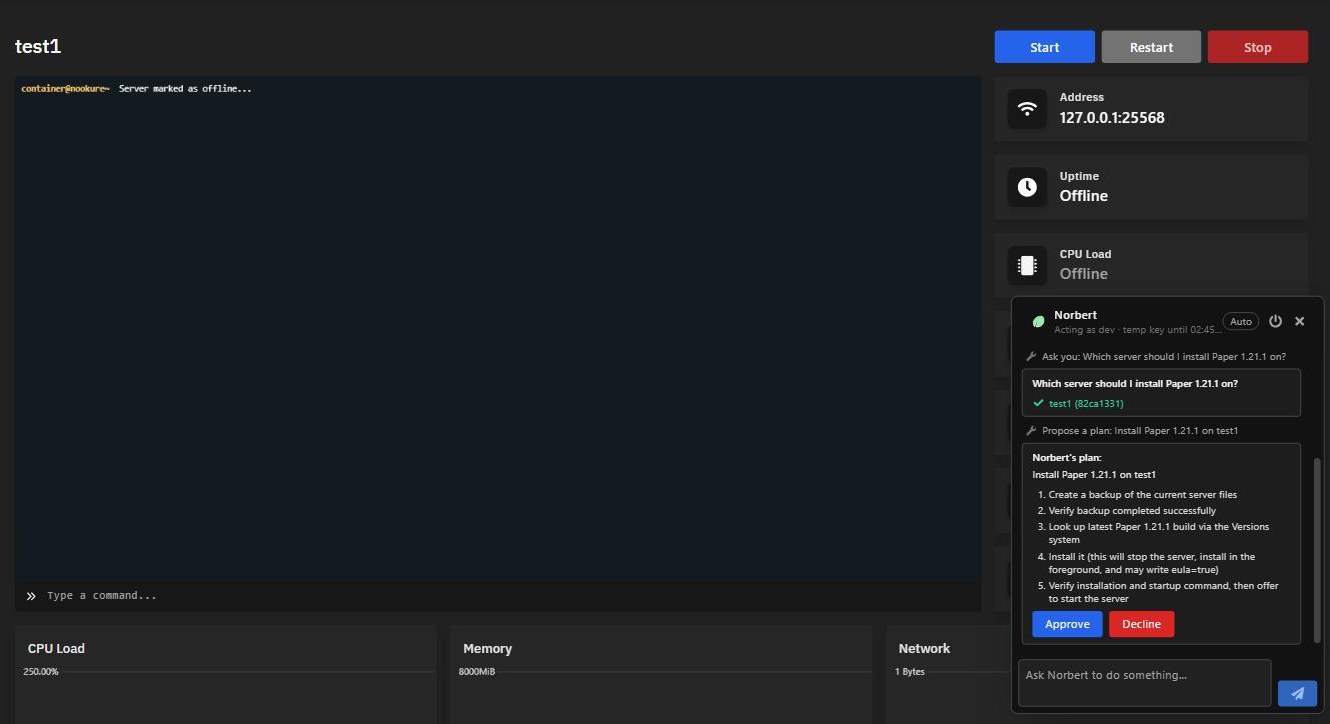
Norbert is built directly into the panel and runs your server from written instructions alone. Ask for "Paper 1.21.1, but take a backup first" and it writes out a plan, shows you exactly what it intends to do, and waits for your approval before touching anything.
It can install and update server software, switch games and modpacks, edit configs and startup flags, take backups, schedule tasks, open ports, read the console back to you and much more - without you needing to learn how any of it works first.
It only gets in if you let it in
Norbert is built on a zero trust architecture. It is not an always-on listener sitting inside your server - it holds no access at all until you hand it some, and you can take that access back at any moment.
Zero trust by design
Norbert holds no standing access to anything. Your server can only be reached once you explicitly grant permission, and only for as long as that permission lasts.
Opted out by default
Nothing is enabled until you turn it on. Every account starts with Norbert switched off, so doing nothing at all is a valid — and fully supported — choice.
Toggleable at any time
Grant access for one job and revoke it the moment you are done. Once revoked, Norbert can no longer reach your server at all.
Not interested in AI? Leave it switched off and nothing changes - every feature below works exactly as it always has, no AI involved.
Console
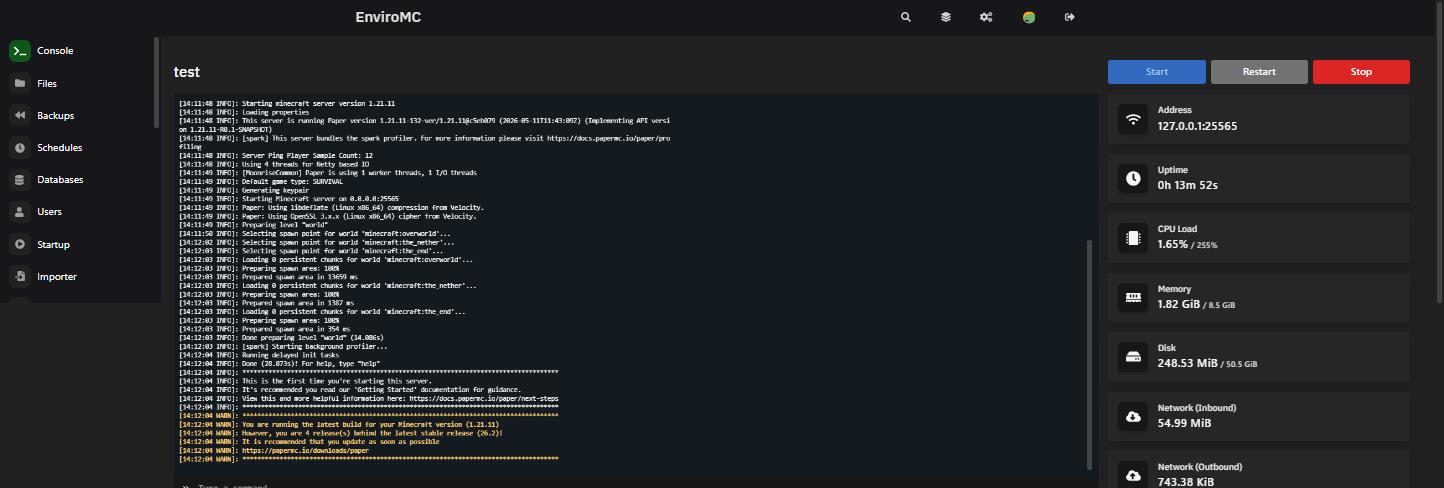
A live view of your server as it runs. The console streams output in real time and sits alongside live readouts for network usage, CPU load, RAM and disk usage, so you can see a lag spike or a runaway plugin as it happens rather than after the fact.
File manager
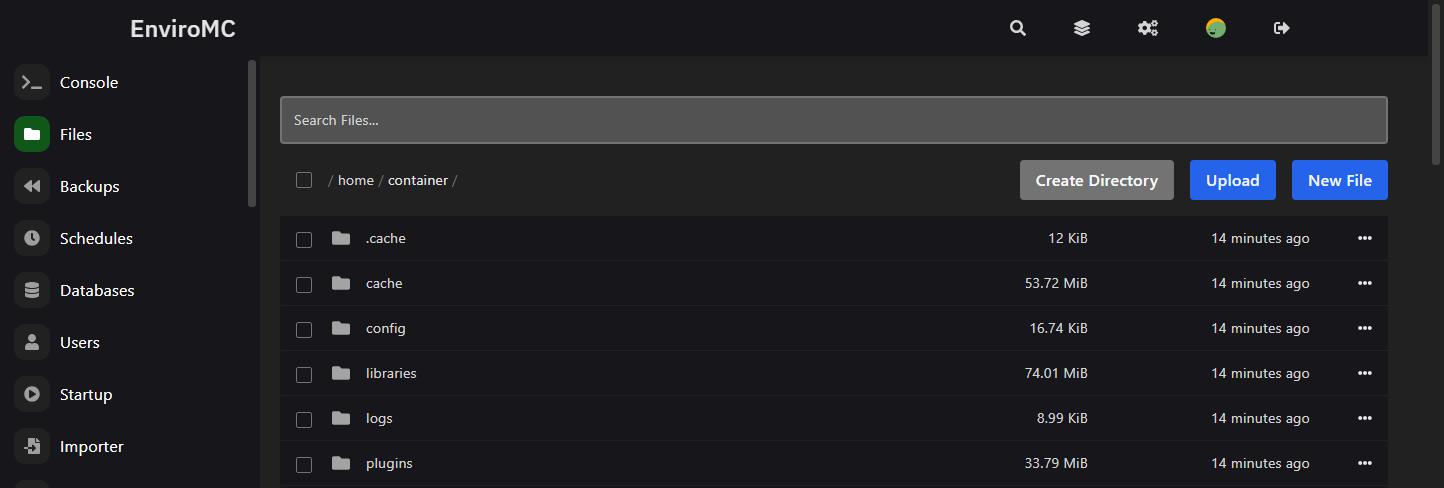
Navigate, modify and upload files directly from the web console - no client needed for a quick config edit. Every game plan also comes with full sFTP support when you would rather work with your own tooling.
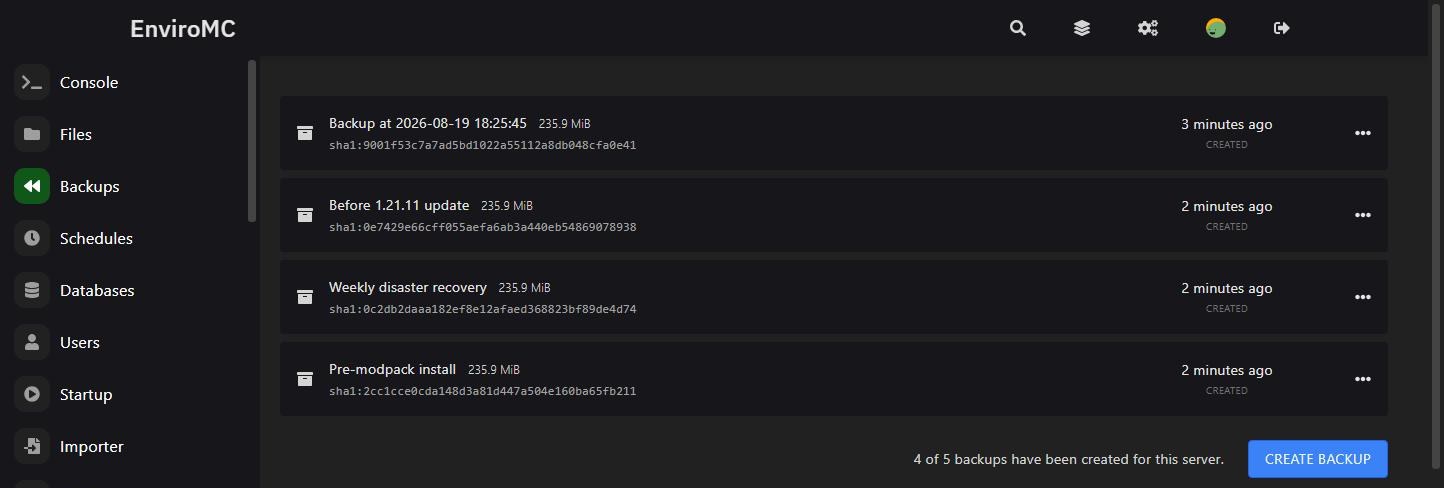
Backups
Take a backup yourself before a risky update, and let daily disaster-recovery backups run automatically in the background. Every backup is stored off site, keeping your data compliant with the 3-2-1 backup rule rather than sitting on the same box as the server.
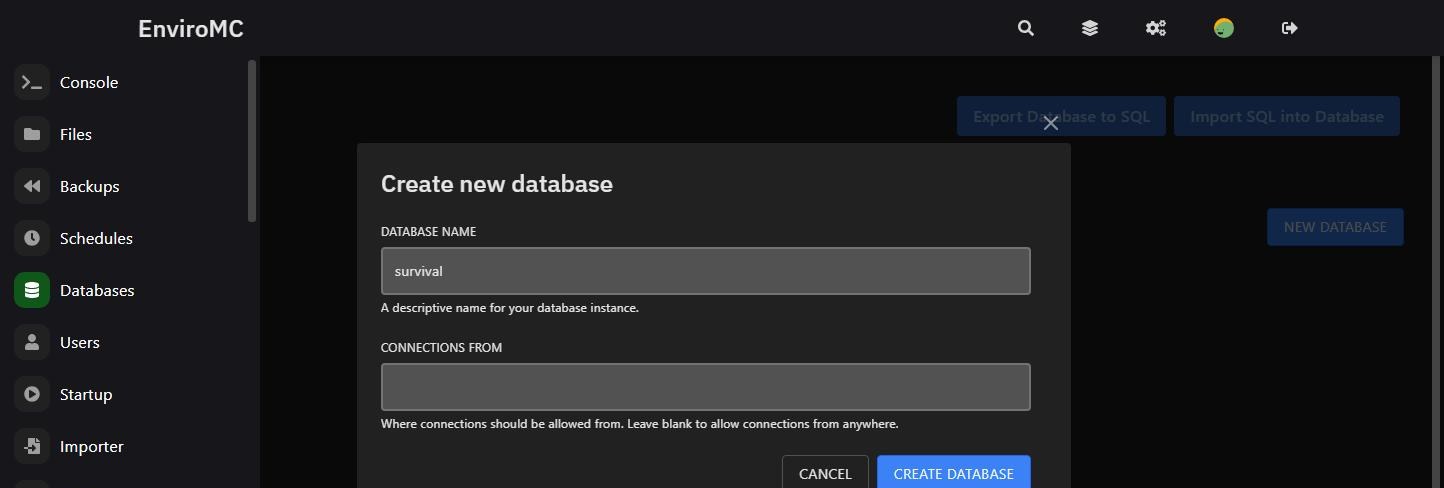
Databases
Low-latency MySQL / MariaDB-compatible database hosting, provided complimentary with your server. Create databases and users from the panel and connect straight from your plugins or app.
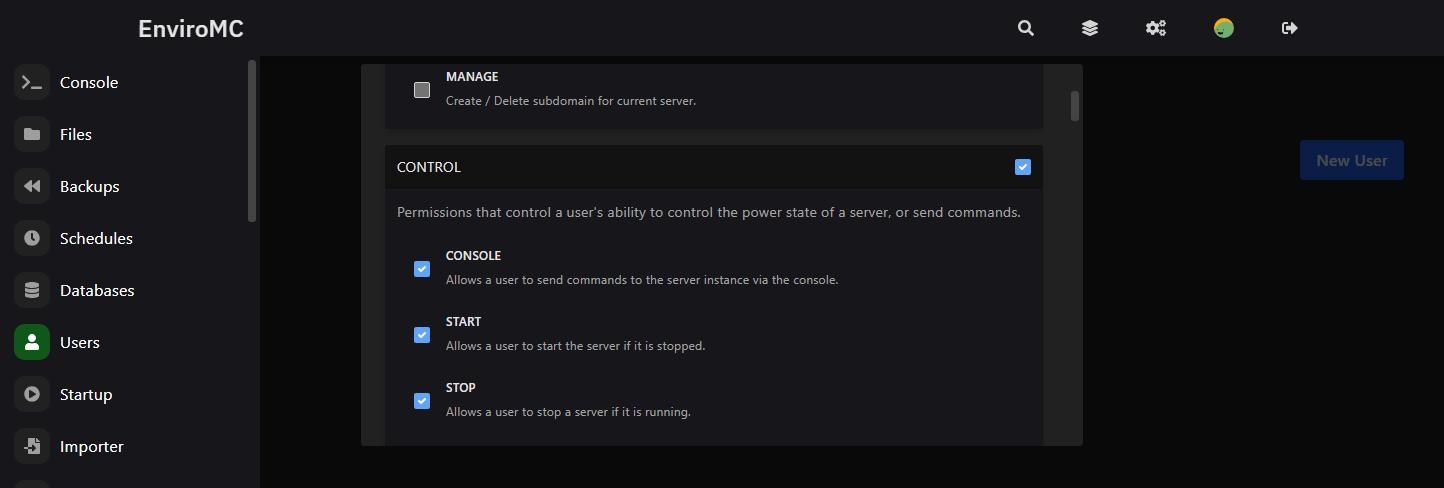
Subusers
Add other people to the panel without handing over your billing account. Give a subuser everything, or tick only the specific permissions they need - console access but not file deletion, backups but not startup changes.
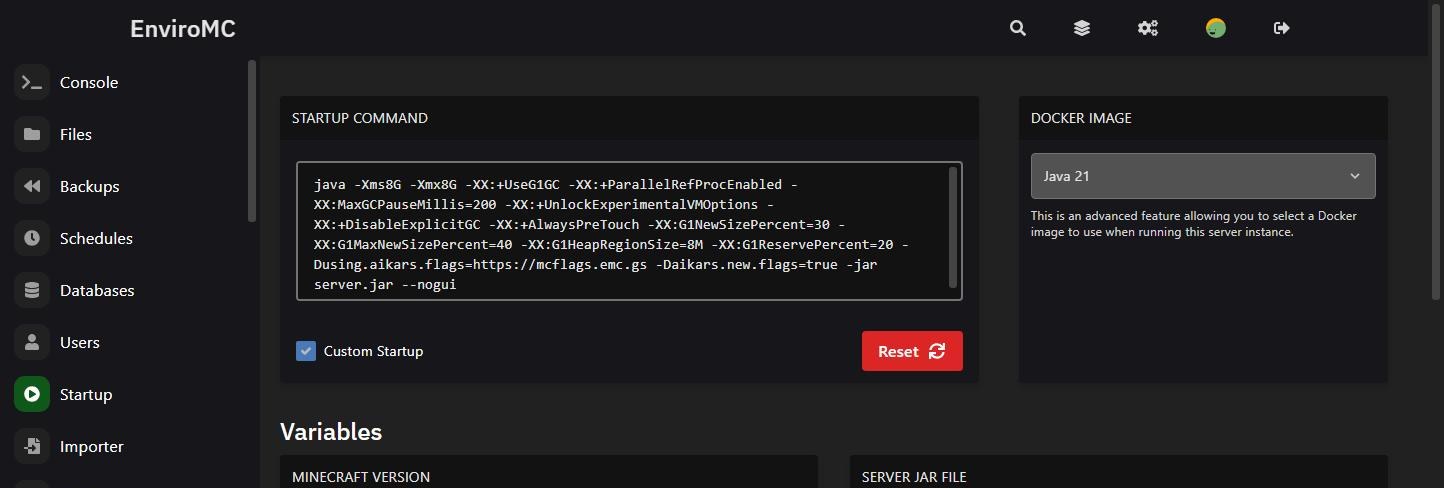
Startup
Set your own startup parameters and choose your docker image completely independently, including full support for Aikar’s flags. Many hosts lock this down entirely - we do not.
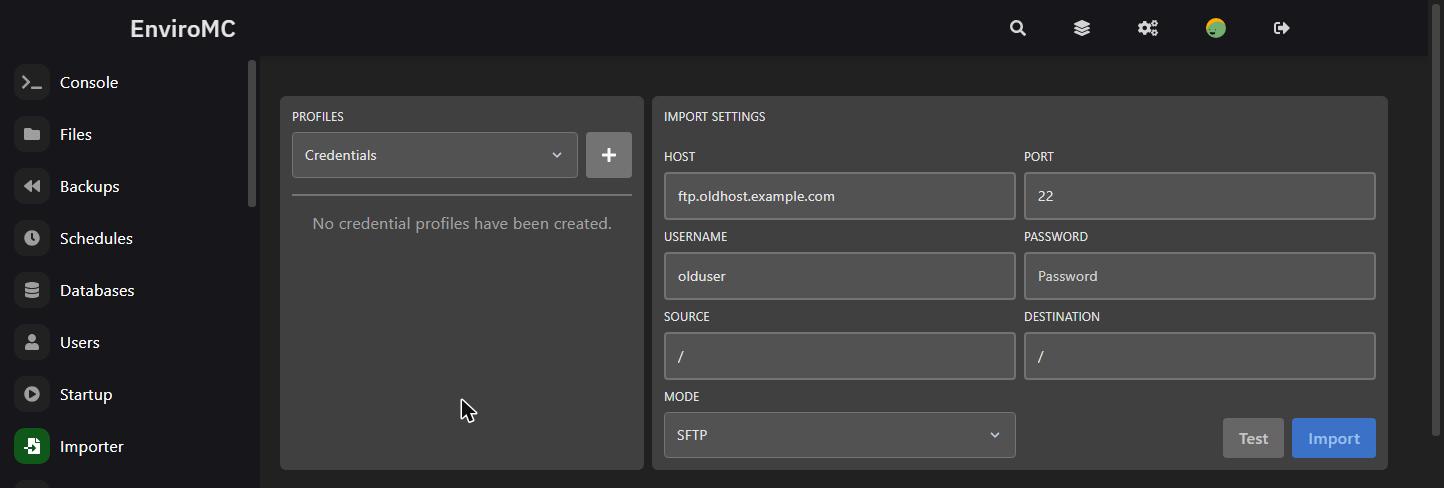
Server importer
Move in without a manual download-and-reupload. Point the importer at your old host over FTP or sFTP and pull your server files across directly from inside the panel.
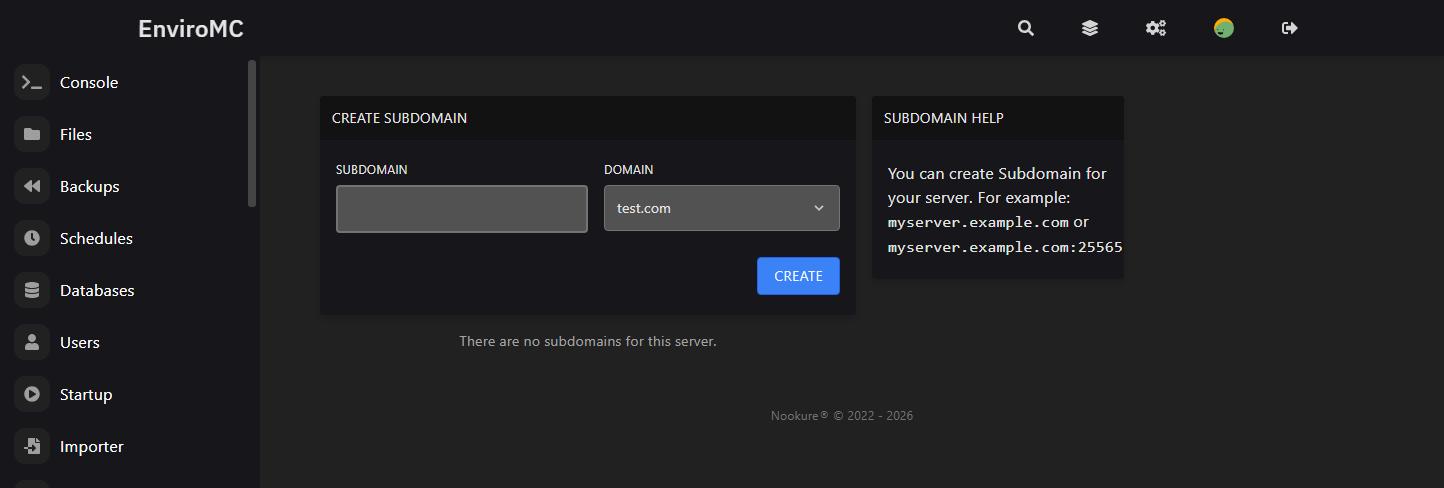
Subdomains
Free .enviromc.net subdomains so players can connect with an alias instead of a hard-to-remember ipv4:port address. Prefer your own brand? Buy a domain from any registrar and point it at your server instead.
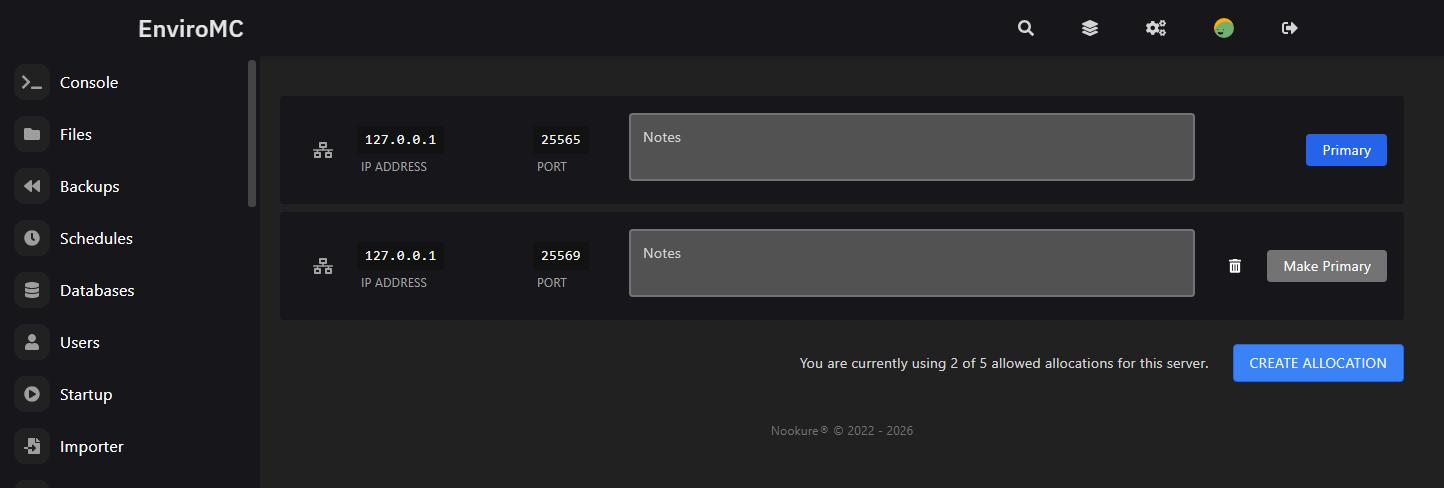
Port allocations
Open additional ports yourself, instantly, from the panel - for a second world, a voice mod or a web map - without waiting on a ticket response.
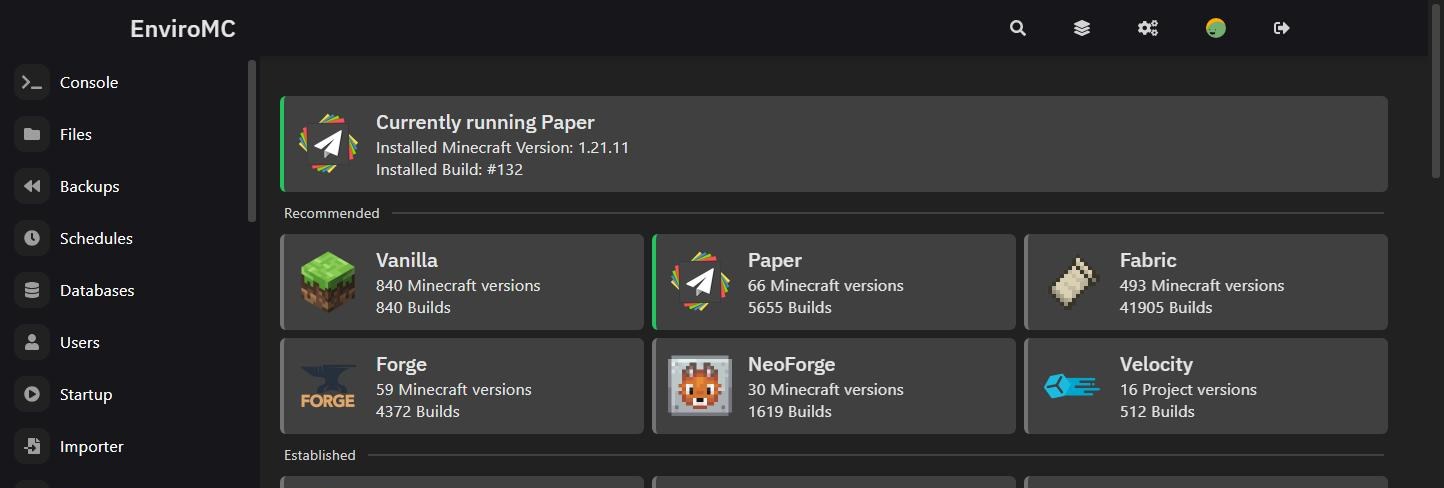
Version installer
Install any version of the common software options - PaperMC, FabricMC and dozens more - with just a couple of clicks, and roll between versions just as easily.
Modpack installer
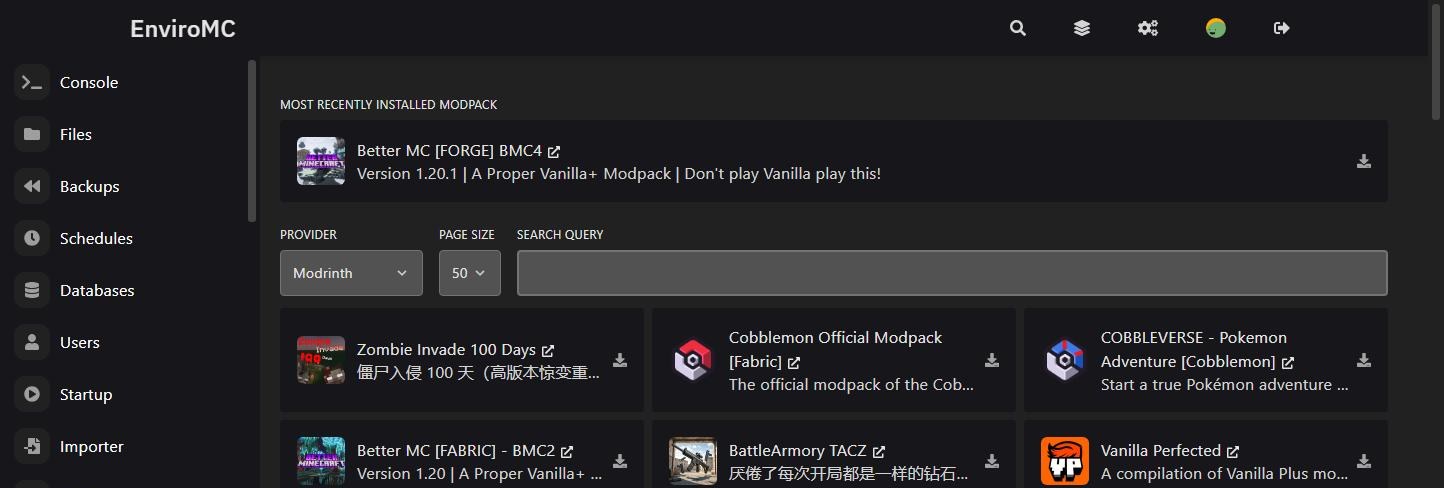
Install any modpack from CurseForge, Modrinth, FTB, ATLauncher, Technic or Voids Wrath with just a couple of clicks - no manual server pack wrangling.
Server splitter
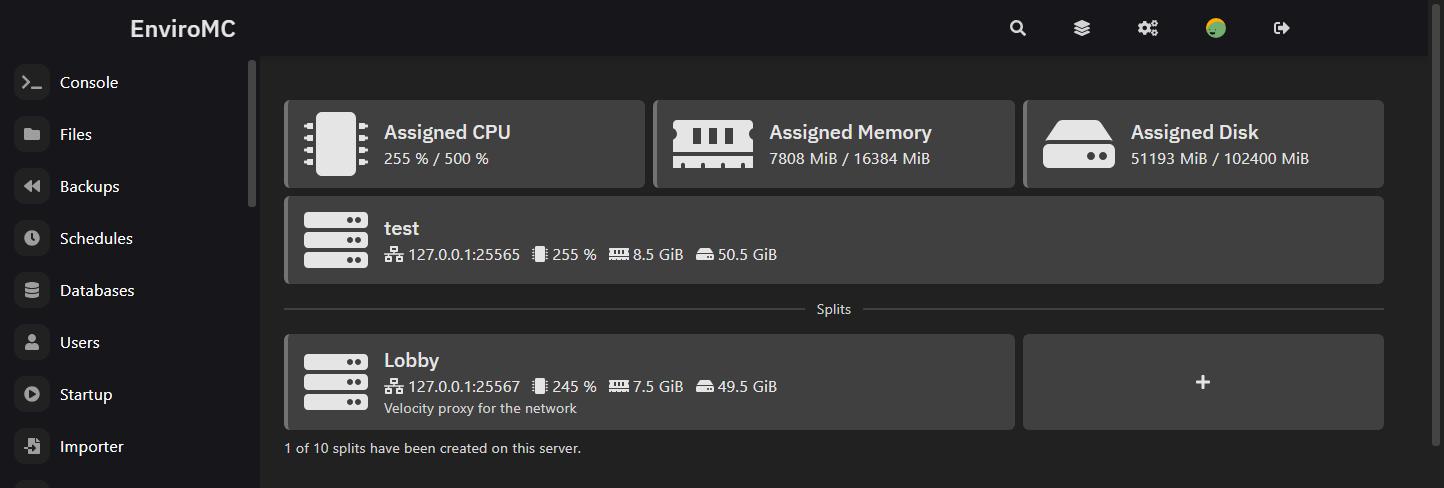
Split the resources of one billable server into multiple panel servers, so a single subscription can host an entire cluster. Highly cost effective if you are running a network, or keeping a pile of side projects and Discord bots alive at once.
Egg changer
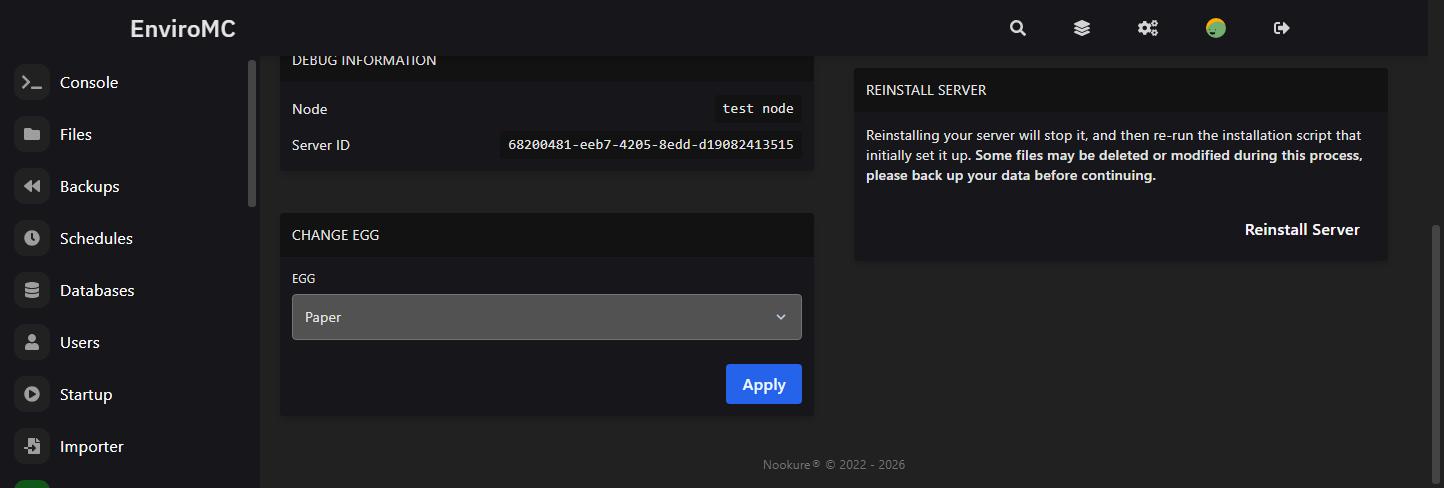
Freely switch between hundreds of available games, IDEs and database eggs. Finish a Minecraft season on Friday and run Rust on the same server by Saturday, at no extra cost.